Guide
The best e-reader of 2026, chosen by a writer who reads on one
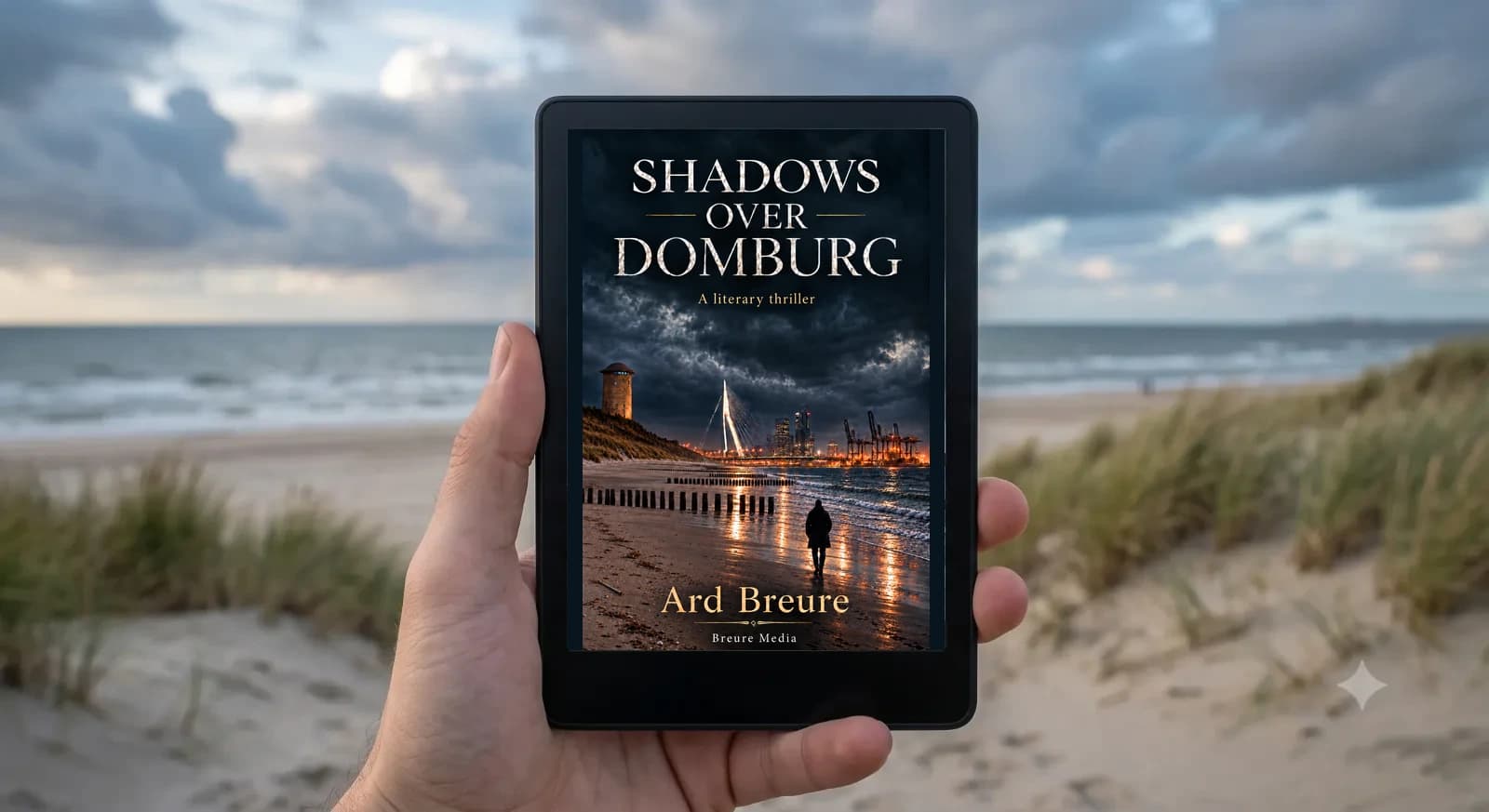
By Ard Breure, author of Shadows over Domburg
I read a lot. As a writer that comes with the job. But I was reading long before I published a word. Over the past years much of that reading moved to e-readers: on the train, on the sofa at night, on holiday with thirty books in a jacket pocket. This guide compares the six models that actually matter in 2026, and tells you which one I would buy depending on how you read.
Short version: for most readers the Kindle Paperwhite is the best buy. Prefer not to lock into Amazon? Choose the Kobo Libra Colour. Want the cheapest solid option? The basic Kindle. The details below explain why.
As an Amazon Associate I earn from qualifying purchases. This costs you nothing extra.
At a glance
| Model | Best for | Screen | Waterproof |
|---|---|---|---|
| Kindle Paperwhite | Most readers, best buy | 7", black & white | Yes |
| Kindle (basic) | Smallest budget | 6", black & white | No |
| Kobo Libra Colour | Colour and buttons, without Amazon | 7", colour | Yes |
| Kobo Clara BW | Compact and affordable, without Amazon | 6", black & white | Yes |
| Kindle Scribe | Notes on a large screen | 10.2", with pen | No |
| Kindle Colorsoft | Colour within the Kindle ecosystem | 7", colour | Yes |
Kindle Paperwhite: the best pick for most readers
If someone asks me which e-reader to buy, this is the answer nine times out of ten. The 7-inch screen is large enough to read comfortably and small enough to hold in one hand. Warm adjustable lighting means evening reading without that phone-screen glare. It’s waterproof, and the battery lasts weeks, not hours.
The trade-off: you’re in the Amazon ecosystem. Books come from the Kindle Store, which is huge and convenient, but EPUB files from elsewhere don’t transfer as easily. For novels and thrillers, that’s usually a feature, not a bug.
Best for: Anyone who wants to read a lot and make one solid choice.
View on AmazonKindle (basic): the smartest entry point
The cheapest Kindle has quietly become excellent: the same sharp screen type as the Paperwhite (300 ppi), light as a paperback, USB-C, and weeks of battery life. You give up waterproofing, warm lighting, and an inch of screen compared with the Paperwhite.
Honest advice: if the price gap with the Paperwhite doesn’t matter, take the Paperwhite. If you’re still testing whether e-reading sticks, this is the low-regret start.
Best for: Sceptics, students, and anyone trying e-reading first.
View on AmazonKobo Libra Colour: freedom, colour, page-turn buttons
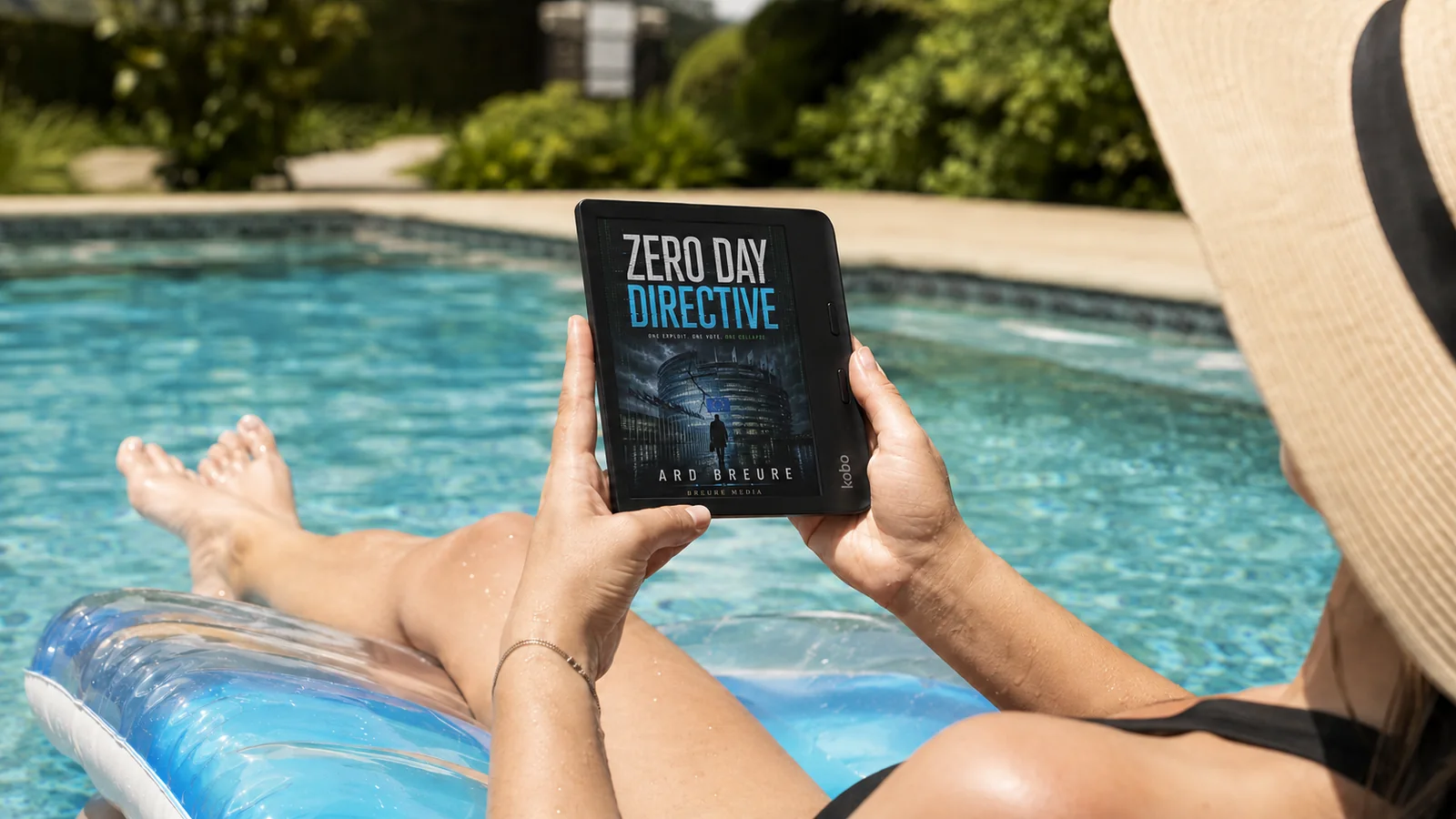
Kobo is the brand for readers who want freedom: EPUB files, library loans via Adobe Digital Editions, and no locked-in store. The Libra Colour adds a colour screen and physical page-turn buttons: a pleasure if you read with one hand on the train.
Colour e-ink is still a little greyer than the best black-and-white panels. For novels alone, black and white stays sharper and cheaper. For comics, magazines, or illustrated books, colour earns its keep.
Best for: Readers who want EPUB, libraries, and life outside Amazon.
View on AmazonKobo Clara BW: compact Kobo without Amazon
The Clara BW is the smaller sibling: 6 inches, black and white, with a very sharp modern screen. Waterproof, light, and open to EPUB and library books, without Amazon’s store.
Choose this when you want Kobo freedom in a pocketable size and don’t need colour or physical buttons.
Best for: Travel readers who want a small open e-reader.
View on AmazonKindle Scribe: large screen with a pen
The Scribe is a different kind of device: 10.2 inches, with a pen for margin notes that feel close to paper. Ideal if you annotate non-fiction or want one device for reading and handwritten notes.
It’s larger and pricier than a Paperwhite. If you only want novels in a bag, skip it.
Best for: Note-takers and non-fiction readers who annotate heavily.
View on AmazonKindle Colorsoft: colour inside Kindle
If you read comics, magazines, or illustrated books and already live in Kindle, the Colorsoft is the logical step. Waterproof, long battery, and direct access to the Kindle Store.
Colour e-ink costs more and looks a shade greyer than top black-and-white screens. Pure novel readers usually don’t need it.
Best for: Kindle readers who want colour covers, comics, or marked-up study texts.
View on AmazonHow to choose: three questions
1. Where do your books come from? Buy from a major store: Kindle. Prefer EPUB files or library loans: Kobo. Kindle does not support those protected library books the same way.
2. Black & white or colour? For novels and thrillers: black and white, always. Sharper, cheaper, longer battery. Colour is for comics and magazines.
3. How much do you want to spend? Entry model to try it out; Paperwhite or Libra Colour once you know you'll keep reading.
Reader questions
Frequently asked questions
Yes. E-ink reflects light like paper instead of shining light into your eyes like a phone or tablet. That’s why you can read for hours without eye strain, including outdoors in sunlight.
Weeks, not hours. Depending on the model and how you use it: roughly four to twelve weeks on a single charge.
On Kobo, yes: via Adobe Digital Editions and many public library systems. Kindle does not support those protected library loans the same way; Kindle shines if you buy or borrow inside Amazon’s ecosystem.
Buy most books from a big store and want simplicity: Kindle Paperwhite. Want EPUB files and library loans: Kobo. That single question decides most purchases.